[3 min read]
What does 3,000 sales a month look like in Xero?
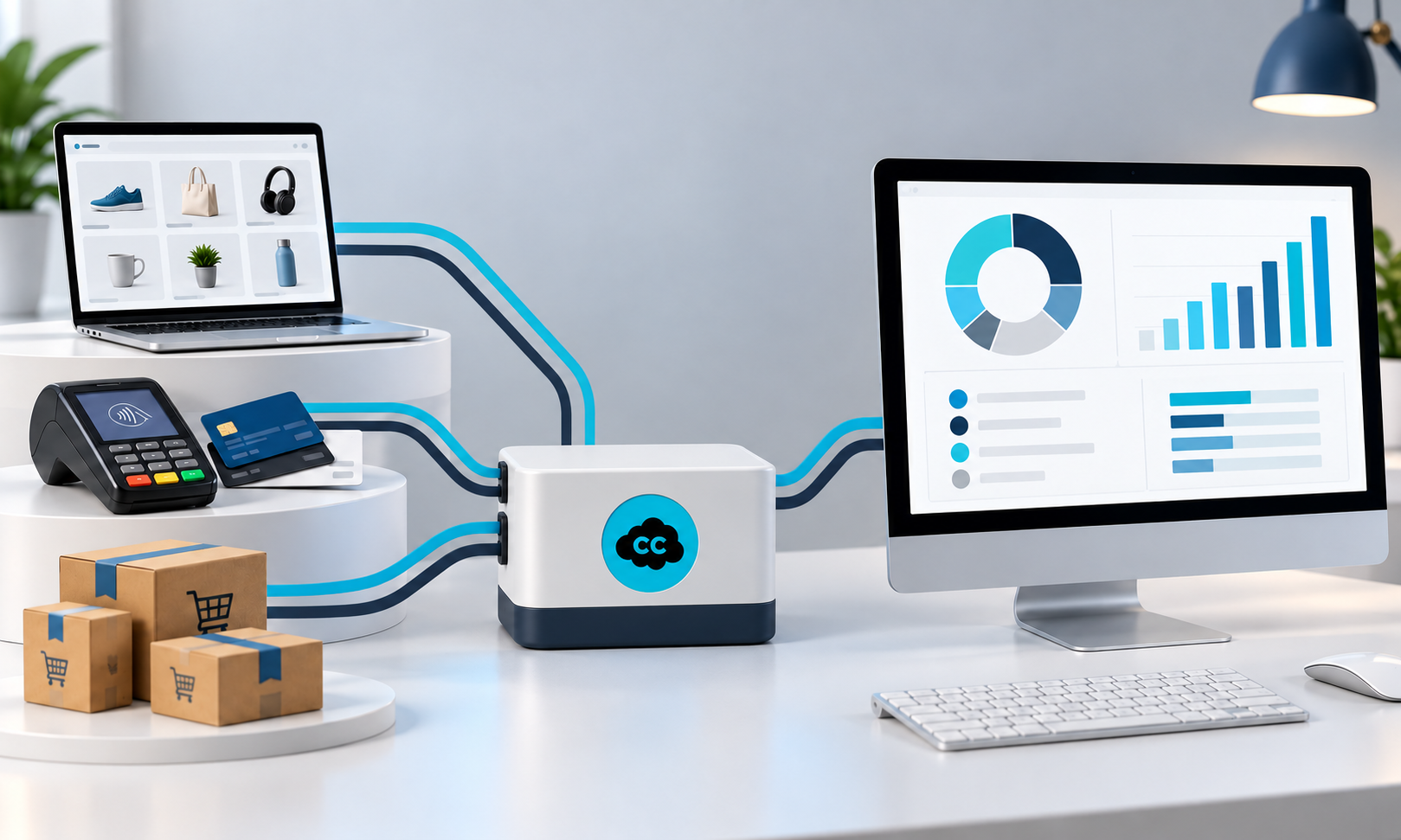
For one of our e-commerce clients, it means sales arriving mainly through Shopify and Amazon stores in the UK, Ireland, France and Germany.
The business sells to individuals and trade customers. Payments are collected through several providers, including Stripe, PayPal, Klarna and Amazon, with the occasional bank transfer or cash payment.
Altogether, that creates between 2,000 and 3,000 sales each month.
The challenge is not simply getting those transactions into Xero. It is getting useful, correctly categorised information into Xero without creating hours of avoidable manual work.
The business—and its needs—have evolved
We have used several different sales-import apps with this business over the years.
That does not mean every previous choice was wrong.
The business has evolved. Its transaction volume, sales channels and reporting requirements have changed, so the system that suited it at one stage has not necessarily remained the most suitable option.
As the business has developed, we have continued looking for the app that best fits what it needs now.
The current choice is CarryTheOne because it can be configured around the way this particular business operates.
The app has to fit the reporting
CarryTheOne allows sales to be allocated to different accounts already in the Xero chart of accounts rather than pushing everything through one generic sales code.
That versatility matters.
Different types of sales can be recorded in the appropriate place, while tracking categories distinguish between selling platforms and countries.
VAT treatment can reflect both where the sale took place and the nature of the item sold. The system can also record the appropriate payment method for each order, depending on whether payment was collected through Stripe, Klarna, Amazon or PayPal.
As a result, the business can produce useful monthly reports showing what it sold in the UK and overseas, and through each sales channel.
The system therefore supports both compliance and the management information the business actually wants to use.
The initial setup creates recurring savings
Configuring the connection around the business required careful thought, testing and review.
The sales codes, tracking categories, VAT treatments and payment methods all needed to reflect how the business operates and what it wants to learn from its figures.
That initial investment of time may appear significant. However, it continues to produce savings every month.
The sales information is already organised in a way that makes it easier to report and review. The system processes the volume, while an informed review identifies exceptions and protects the quality of the result.
Without that setup, obtaining the same information could require considerably more manual analysis every month.
The value is therefore not only in importing thousands of transactions. It is in creating an ongoing process that turns those transactions into useful information.
There is no best app in isolation
Two e-commerce businesses may benefit from different apps.
An international retailer processing thousands of orders has very different needs from a service company raising 20 or 30 invoices a month and using one or two payment methods.
Even two apparently similar retailers may need different systems because they have different reporting needs.
The right starting point is to understand the business:
-
What does it sell?
-
Where does it sell?
-
How do customers pay?
-
What information is required for compliance?
-
Which reports does management need?
-
What decisions will those reports support?
Only then can the app and the Xero structure be designed around the work they need to do.
Take-home tips
- Define the reports, compliance information and management detail you need before comparing apps.
- Check that the app provides sufficient coding flexibility. An e-commerce business may need to separate sales by platform, country or product type, while a service business may need different codes for its services, projects or income streams.
- Review the setup as the business evolves. Changes in volume, sales channels, services, countries or reporting requirements may mean that a previously suitable app is no longer the best fit.
There is no universally right or wrong app.
There are systems that are very suitable, less suitable or not suitable at all for a particular business at a particular stage.
The most important question is not simply whether your current app works.
Does it still give you the information your business needs now—and will it support where the business is going next?