
[5 min read]
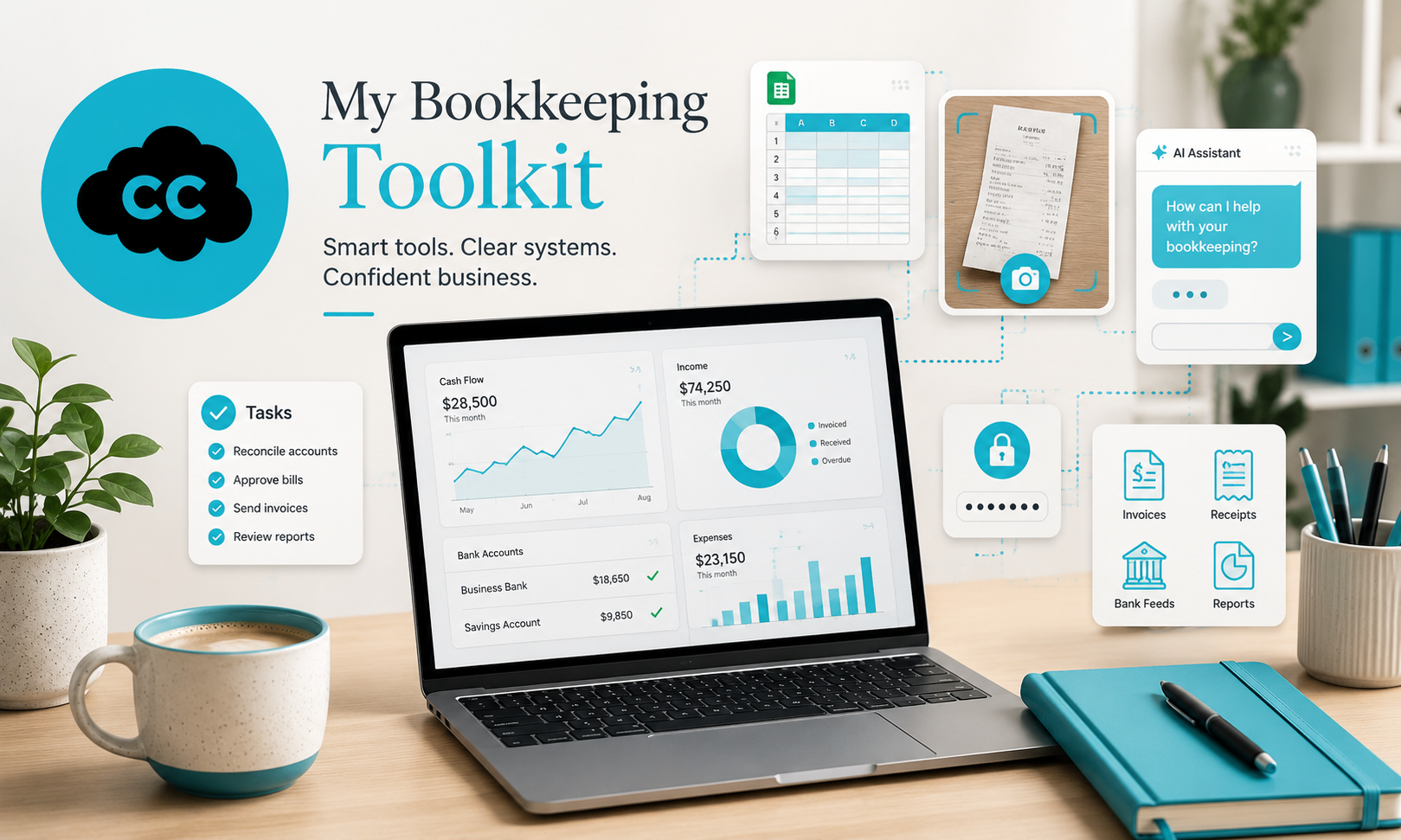
Over the years, I’ve built a toolkit of systems and apps that help me work efficiently and accurately in Xero.
If you’re doing your own bookkeeping, these are tools that can genuinely make your life easier.
Xero: My Core System
It’s no secret that I work exclusively with Xero.
Is it perfect? No. Like every accounting system, it has its flaws.
But I’ve specialised in Xero since 2014. I use it daily for businesses with different structures and needs, and I’ve spent thousands of hours working inside it. That means I know how to:
-
Maximise its features
-
Work efficiently
-
Navigate around its limitations
When you truly understand your system, it becomes a powerful tool rather than a frustration.
Hubdoc: Automation With Oversight
If you know me, you’ll know I like automation — but I don’t rely on it blindly. Human verification is essential.
Hubdoc captures bills and expense documents and sends them into Xero. Like all automation tools, it has pros and cons.
I use Hubdoc because:
-
It’s included with Xero (so no extra cost)
-
It integrates smoothly
-
I know how to use it to my advantage
It saves time on data entry — but I always review everything before approving it.
Automation should support your judgement, not replace it.
ChatGPT: Improving Communication
I embrace AI to enhance tasks, not to replace them.
One of the main ways I use ChatGPT is for communication.
I don’t ask it to write emails from scratch. Instead, I:
-
Draft my response quickly
-
Run it through my customised GPT agent
-
Let it refine the tone, clarity, and structure
I’ve developed a GPT assistant that understands exactly how I want my communications to sound.
Where I used to spend 30–60 minutes rewriting an email, I now spend a few minutes drafting it and let the tool polish it.
The result?
Clearer communication and noticeably improved client feedback.
I also use ChatGPT for brainstorming and idea generation — but communication is my main daily use.
Excel: Still Essential
Who in finance doesn’t use Excel?
I use it constantly — and I genuinely enjoy it.
I often spend time upfront building automated spreadsheets that save significant time later. For example:
-
Monthly adjustments
-
Payroll postings
-
Sales summaries (where no integration exists)
I rely heavily on formulas to improve both speed and accuracy.
(Yes, I’ve seen people use a calculator and manually type results into Excel instead of using formulas.)
I actually challenge myself to build the formulas rather than look for shortcuts. It’s not just about efficiency — it’s a great mental exercise.
My mindset is simple:
“This must be possible — I just need to figure out the formula.”
It keeps my brain sharp, improves accuracy, and makes the work far more satisfying.
Snipping Tool: Clearer Explanations
Sometimes an image really is worth a thousand words.
The Snipping Tool is one of the quickest ways to explain something clearly. In Windows 11, it even allows screen recording, so you can create short videos demonstrating steps in Xero or Excel.
It’s simple, free, and incredibly effective for client communication.
Trello: Staying Organised
In bookkeeping, organisation is everything.
I use Trello as my task management system. I have:
-
One list per client
-
Template cards for recurring tasks
-
Automatic weekly, monthly, quarterly, and annual reminders
Tasks include:
-
Weekly sales and expense postings
-
Bank reconciliations and payments
-
Monthly adjustments (prepayments, accruals, depreciation)
-
Quarterly VAT returns
-
Year-end preparation for accountants
This ensures nothing slips through the cracks.
I also use Trello for marketing and collaboration — it’s a flexible and reliable organising tool.
LastPass: Managing Passwords Securely
If you’re running a business, you’re likely logging into multiple systems every day. Remembering all those usernames and passwords can quickly become frustrating — and risky if shortcuts are taken.
Unless you have an exceptional memory (or prefer the old-school notebook-in-the-drawer method), a password manager makes life significantly easier.
A good password management tool will:
-
Store login details securely
-
Speed up access to systems
-
Allow secure access from different locations
-
Encourage stronger, safer passwords
I use LastPass. There’s no dramatic reason behind the choice — it’s simply the platform I started using years ago. Some of my clients use it too, which makes secure credential sharing straightforward.
With the volume of credentials I manage, switching platforms isn’t high on my priority list.
It’s a simple tool that removes daily friction, improves security, and makes managing multiple systems far more practical.
HMRC: Always Go to the Source
For technical queries, I always refer directly to HMRC.
Whether it’s:
-
VAT treatment
-
EU sales rules
-
Acceptable invoice documentation
-
Expense guidance
-
Currency rates
The source of truth matters.
Using official guidance avoids guesswork and reduces risk.
Companies House: Verifying Information
Whenever I need official company information, I use Companies House.
It’s useful for checking:
-
Registered names and addresses
-
Directors and shareholders
-
Previously filed accounts
Accurate information is the foundation of accurate bookkeeping.
Final Thoughts
Tools don’t replace knowledge — they enhance it.
Used properly, these systems improve efficiency, accuracy, and organisation. But the real value comes from understanding how and when to use them.
Bookkeeping is about clarity and consistency.
The right tools simply make that easier.